
Top 5 Pay Per Download File Hosting Sites: Rates and Features Compared
Pay per download file hosting lets creators share downloadable files and receive rewards for qualifying downloads. It can be useful for distributing original templates, software tools, learning materials, and other resources that an audience genuinely wants.
This guide compares five options: Sooddy, Fileroy, Uploadrar, Katfile, and FileMoon.org. It looks at headline rates, storage information, and the conditions that can affect earnings. The order is an editorial shortlist, not a ranking of independently tested payment reliability.
Publisher disclosure: Sooddy is the publisher’s own service. Its maximum rate of $8 per 1,000 eligible downloads is an operator-provided update for this article, not an independently verified live rate. Check the current country table and account terms before relying on any advertised maximum.
What Is Pay Per Download File Hosting?
A file hosting service stores files online and provides links that other people can use to access them. A pay per download, or PPD, program adds a reward system for downloads that satisfy the provider’s rules.
The rate is often displayed per 1,000 eligible downloads. It is not necessarily the amount earned from 1,000 visitors, link clicks, or download attempts. Country, file size, completed transfers, repeat visits, and traffic validation may influence the amount credited.
PPD is also different from earning a commission when someone buys a premium account. Some services combine both models. When comparing programs, make sure the number you are reading actually applies to file downloads.
Quick Comparison of Five File Hosting Sites
| Site | Rate per 1,000 eligible downloads | Storage information | Important condition |
|---|---|---|---|
| Sooddy | Up to $8, operator-provided update | Unlimited storage advertised; account and retention rules apply | Confirm the current country rates and eligibility rules |
| Fileroy | Up to $5 | Unlimited storage listed for free registered users | The $5 rate applies to specified countries, not every download |
| Uploadrar | Up to $4 | Check the account’s current storage allowance | Rates depend on country tier and file size |
| Katfile | Up to $50 in the reviewed affiliate table | Check the current account plan | The maximum applies to Group 1 files over 2,000 MB |
| FileMoon.org | Up to $1 | 30 GB listed for registered users in the plan comparison | Download rates differ by country; streaming uses a separate model |
All amounts are in US dollars. These are advertised or supplied rates, not promises of realized earnings. Compare the rate for your actual audience and file sizes, then check withdrawal requirements separately.
1. Sooddy: Up to $8 per 1,000 Eligible Downloads
Sooddy.com combines file uploading, sharing links, and a download earnings program. The operator-provided maximum for this guide is up to $8 per 1,000 eligible downloads, and the site advertises unlimited storage.
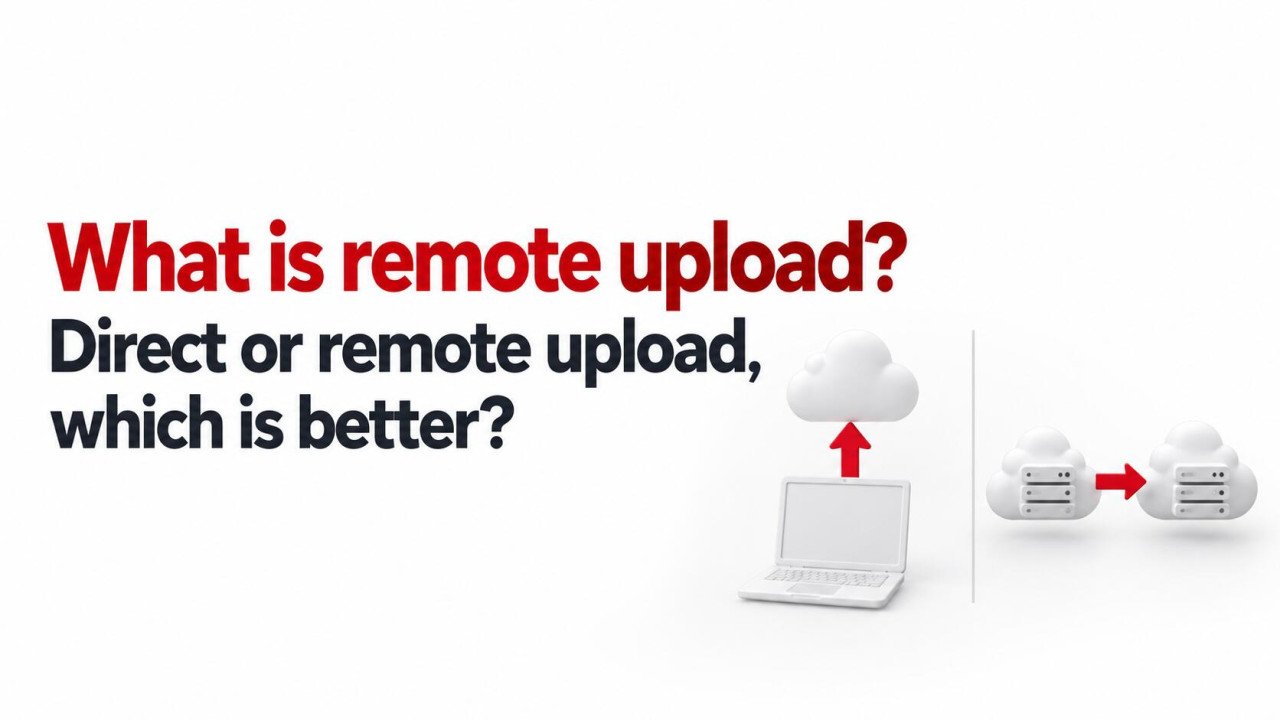
Its public uploader offers local file selection and a remote-upload option for supported direct file URLs. This gives creators a choice between uploading material from a device and importing an authorized file that is already online.
Before building a publishing workflow around it, review the Sooddy payout rates and the limits shown in your account. Unlimited storage does not remove individual file-size restrictions or guarantee permanent retention.
Practical use: Start with a small collection of original resources. Use clear filenames and descriptions, test the download experience, and review how eligible activity appears in your account before expanding the collection.
2. Fileroy: Up to $5 per 1,000 Eligible Downloads
Fileroy.com publishes a maximum rate of $5 per 1,000 eligible downloads for countries including the United States, United Kingdom, Netherlands, Canada, and Australia. Other countries have lower rates.
Its plan comparison lists unlimited storage for registered free users. The premium plan shown on that page has a separate 1 TB allowance, so the unlimited-storage description should not be applied to every plan indiscriminately.
The published payout rules exclude self-downloads and invalid traffic. They also specify one paid download per visitor IP, per file, within 24 hours.
Practical use: Estimate earnings using the countries your real readers come from. If your audience is spread across several regions, use a weighted average instead of multiplying all downloads by the $5 maximum.
3. Uploadrar: Country and File-Size Rate Tiers
Uploadrar publishes rates of up to $8 per 1,000 downloads. Its highest listed rate applies to the 100 MB-and-above bracket for Tier 1 countries: the United States, Canada, and United Kingdom.
The same country tier pays less for smaller files. This makes the size of your actual resources relevant to your estimate. A collection of small documents should not be forecast using the highest large-file rate.
The earnings page lists a $20 minimum payout and excludes rewards for automated downloads, traffic from third-party apps, and downloads where advertising is blocked. It does not establish a storage allowance, so verify storage in the current plan details.
Practical use: Match your existing files to the published brackets. Do not add unnecessary data merely to enlarge a download; a useful, convenient file serves readers better.
4. Katfile: Higher Maximums with Specific Conditions
The Katfile affiliate page reviewed for this guide displays a maximum of $50 per 1,000 qualifying downloads. That figure applies to Group 1 downloads of files larger than 2,000 MB. Smaller files and other country groups have lower rates.
The page describes several affiliate plans with different shares of download and premium-sale revenue. Selecting a different plan can therefore change how the displayed rate table translates into account earnings.
Katfile’s public pages contain inconsistent withdrawal details. Confirm the payout minimum, method, and processing schedule inside the active account or with support before relying on them.
Practical use: Consider both the qualifying rate and whether readers can conveniently complete a large download. A high maximum is less useful when few of your files or visitors meet its conditions.
5. FileMoon.org: Separate Download and Streaming Rates
FileMoon.org lists download rates up to $1 per 1,000 downloads, with the United States at the top of the reviewed table. Other listed country rates are lower.
Its monetization pages distinguish file downloads from video streaming. Do not use a streaming impression rate to estimate file-download earnings or assume that one event qualifies for both programs.
The registered-user plan comparison shows 30 GB of storage. Premium storage descriptions differ between sections, so verify the exact allowance for a selected paid plan rather than assuming unlimited capacity. This entry refers specifically to FileMoon.org.
Practical use: Decide whether your audience primarily needs downloadable files or streamed video. Compare the relevant earnings model and the experience that supports that purpose.
How to Estimate Download Earnings Realistically
A simple estimate is: eligible downloads divided by 1,000, multiplied by the applicable rate. When different groups earn different rates, calculate each group separately and add the results.
For a hypothetical example, suppose a month produces 1,500 eligible downloads at $5 per 1,000 and another 2,500 at $1 per 1,000:
- 1,500 divided by 1,000, multiplied by $5, equals $7.50.
- 2,500 divided by 1,000, multiplied by $1, equals $2.50.
- The combined estimated reward is $10 before any applicable deductions or adjustments.
This is an illustration, not an earnings forecast. It also shows why a maximum headline rate is a poor substitute for understanding your audience. The number of qualified downloads matters more than the number of people who simply visit a page.
What Unlimited Storage Does and Does Not Mean
An unlimited-storage offer usually refers to the advertised total capacity under specified account conditions. It should not be read as permission to upload any file, ignore individual size limits, or expect every file to remain available forever.
Check inactivity deletion, account status requirements, supported formats, and acceptable-use rules. Keep an independent backup of original work. A monetized sharing account should not be the only place where irreplaceable files exist.
Five Checks Before Choosing a PPD Site
- Audience fit: Compare rates for the countries that actually download your resources.
- File eligibility: Check minimum size, permitted content, completed-download requirements, and repeat-download rules.
- Payment access: Confirm the minimum withdrawal, supported payment methods, fees, and availability in your location.
- Download experience: Test the number of steps, mobile usability, waiting periods, and clarity of the download page.
- Storage and support: Review retention, account limits, and how to get help with missing files or disputed credits.
Begin with a limited collection rather than moving your entire library immediately. Track valid downloads, credited rewards, support responses, and an actual withdrawal when you become eligible. Published rates alone do not demonstrate payment reliability.
Build Downloads Around Useful Original Content
Create resources that solve a specific problem: a budgeting worksheet, a printable study planner, a software utility, or a project template. Check that the chosen host accepts that content and that you have permission to distribute every included asset.
Write a useful description explaining the format, contents, version, and intended audience. If users need instructions, include them in the package. Clear information helps people decide whether the download is worth their time.
Share resources in relevant places where promotion is permitted. Avoid spam, misleading buttons, artificial traffic, and asking people to repeatedly download files just to generate rewards. These practices can harm readers and violate program rules.
Frequently Asked Questions
1. Which pay per download site pays the most?
There is no universal answer. The largest advertised number may apply only to particular countries, file sizes, or affiliate plans. Compare the expected rate for your actual downloads and verify the withdrawal conditions.
2. Does Sooddy pay $8 for every 1,000 downloads?
The operator-provided figure is up to $8 per 1,000 eligible downloads. It is a maximum, not a flat rate for all activity. Check the current country table and validation rules for the rate that applies.
3. Is Fileroy’s $5 rate available worldwide?
Its reviewed payout table lists $5 for specified countries and lower amounts elsewhere. Use the downloader’s country and applicable eligibility rules when estimating rewards.
4. Do download counts guarantee a withdrawal?
No. A withdrawal also depends on validated earnings, the minimum balance, account requirements, and an available payment method. A visible download count is not the same as money successfully paid out.
5. Can I use PPD hosting for client files?
Only when the sharing method meets the client’s expectations and confidentiality requirements. A client delivery should prioritize appropriate access and usability. Do not monetize or publicly distribute private client material without authorization.
Choose a Program That Fits Your Files and Audience
Sooddy and Fileroy offer starting points for readers interested in their advertised storage and download rewards. Uploadrar, Katfile, and FileMoon.org provide additional models to compare. Evaluate the applicable rates, the recipient experience, and actual payment terms before committing your time to any one service.
Rate and Plan References
- Sooddy payout rates — check the live table against the operator-provided update.
- Fileroy payout rates and plan details.
- Uploadrar earnings table.
- Katfile affiliate rate table.
- FileMoon.org download rates and plan comparison.


No comments yet. Be the first to join the conversation.